The complete studio
for writing your book.
Whether you're starting from a blank page or bringing an existing manuscript, Psitta coaches you through shaping your story with Blueprints and proven frameworks, gives honest AI insight, and reads every line back in a natural human voice — all in your own language, right in your browser. It never writes your book for you; it helps you finish the one only you can write.
Writing Studio
Most popularEverything you need to plan, write, revise and finish your book — one application, one workspace, with a 14-day free trial.
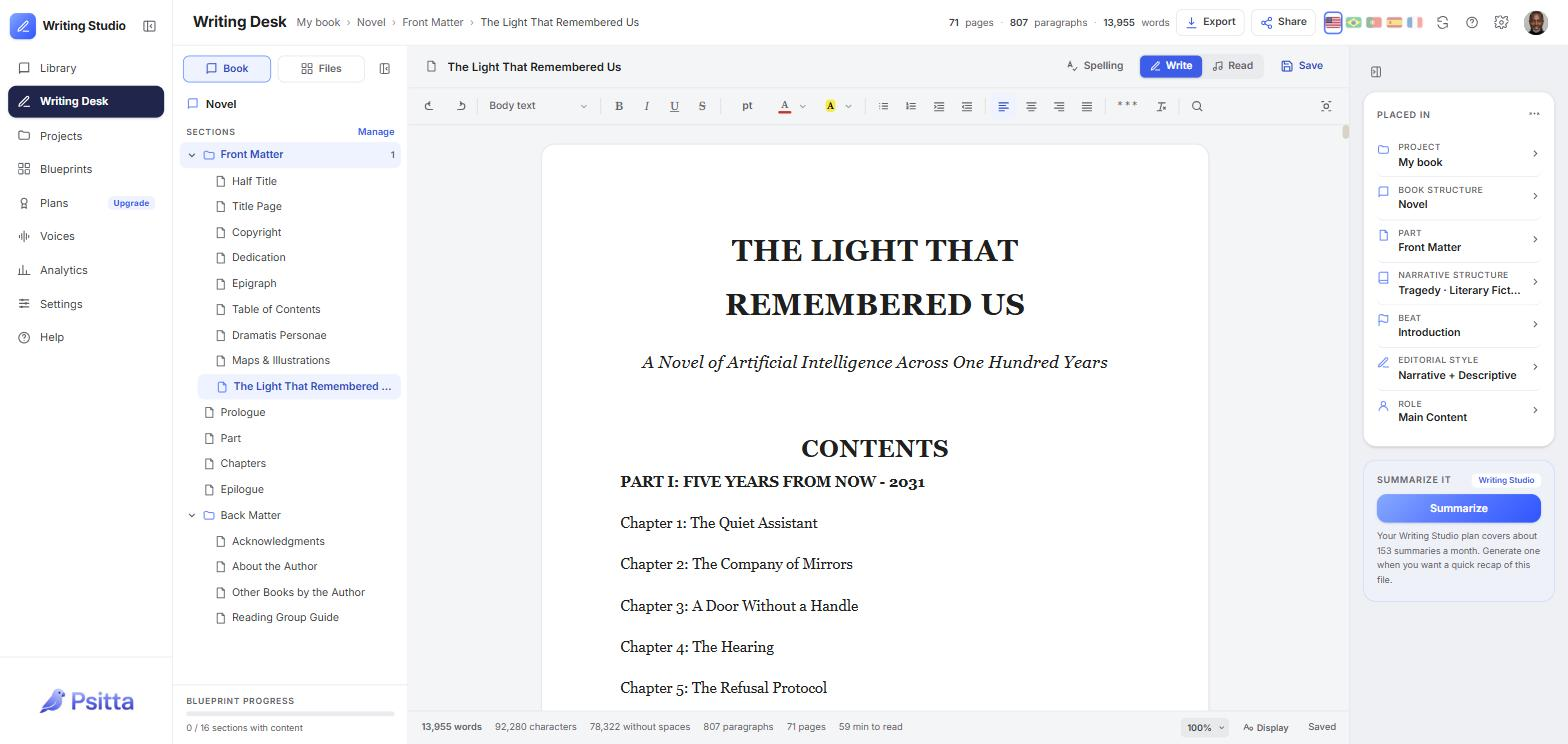
The Writing Desk with a real manuscript — book structure on the left, your place in the story on the right.
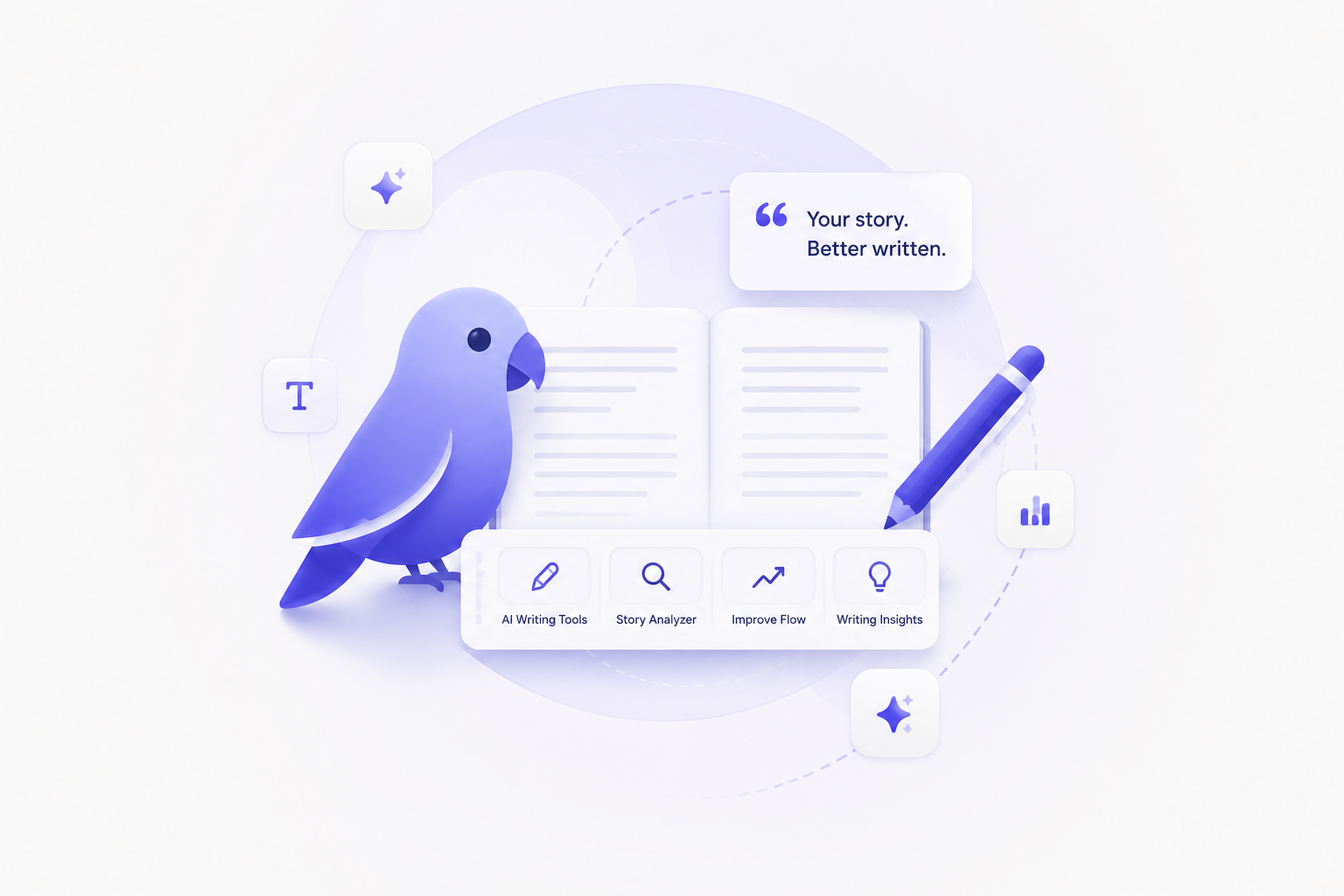
Writing Workspace
Full Writing Desk
A focused, distraction-free editor for drafting and revising your book — with Psitta reading every line back to you as you write.
The Psitta Editor
Real book formatting — fonts, headings, lists, and styles that survive export to a branded DOCX. AI spelling and grammar review remembers what you've settled, and Editorial Styles keep a whole project consistent.
Document Library
Every draft, source, and manuscript in one organized library — import, search, sort, and pick up exactly where you left off.
Unlimited projects
Organize your work into as many projects as you need — each with its own documents, blueprint, narrative progress, and activity feed.
Story Development
Blueprints
Structure your book with Blueprints — living outlines that hold your beats, scenes, and intent, and travel with your project from first idea to final draft.
25+ narrative structures
Proven frameworks — Three-Act, Save the Cat, Seven-Point, Snowflake and more — each with an interactive, step-by-step guide.
Scene mapping
Map scenes onto your outline so every chapter knows where it sits in the story — and drifting scenes become visible at a glance.
Progress tracking
Watch your manuscript's progress build automatically as you write toward the finish — beats covered, scenes mapped, words on the page.
AI Writing Intelligence
All of it included in your subscription — a generous monthly allowance, no API keys to configure, no separate AI bills.
Story-Coach — live drift nudges
An always-on coach that flags when a scene drifts from your outline or intent, so you can course-correct in the moment instead of on the rewrite.
Structure Analyzer
Analyze your draft against your chosen structure and get concrete, section-by-section feedback on pacing, gaps, and beats.
Writing analytics
Lifetime words, streaks, sessions and weekly word-trends build automatically as you write in the Desk — so you can see momentum, not guess at it.
AI Proofreading — spelling & grammar
An editorial read of your pages: real spelling and grammar findings you accept or ignore one by one — and it remembers what you've settled, re-checking only what you've changed since.
AI assistance
Summarize It condenses any document on demand, and focused AI assistance gives honest, concrete feedback on your manuscript — in your language.
Reading & Revision
Hear your manuscript with pixel-accurate highlighting and premium neural voices — listening is how Psitta turns reading into revision.
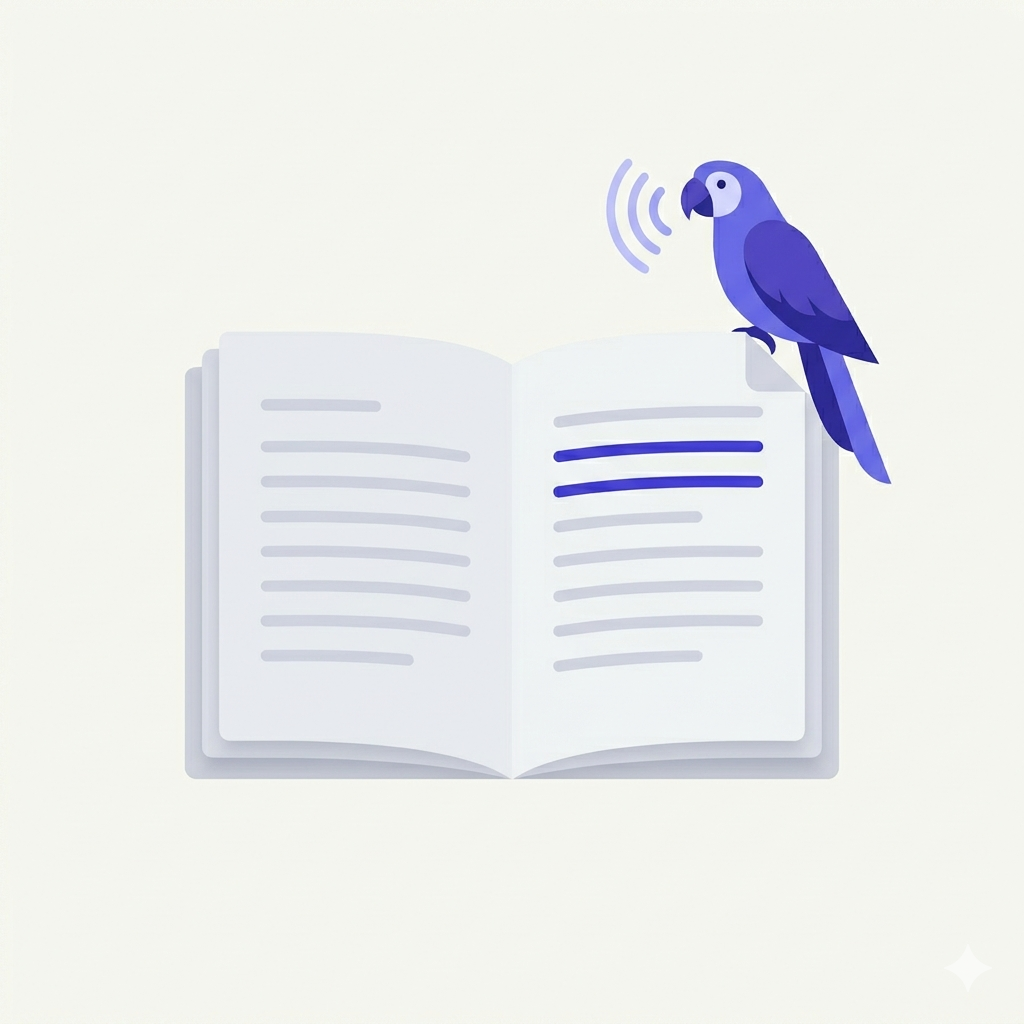
Read aloud — hear every line
Open any document and press Read / Listen — Psitta narrates it in a natural voice while you follow along, at up to 4× speed.
PDF, DOCX, HTML, TXT, MD and e-books support
Upload any PDF, Word (DOCX), HTML page, plain-text (TXT), Markdown (MD), or EPUB e-book. Psitta extracts the text, preserves structure and reading order, and makes every format instantly ready to read, listen to, and edit — all in one place.
Premium neural voices
Choose from a curated catalog of natural-sounding neural narrators in four languages. Standard voices are free for everyone — the full premium catalog is included with Writing Studio.
Sentence-level highlighting
Every sentence lights up in real time as it's read aloud — pixel-accurate highlighting powered by PDFium character-level bounding boxes. Follow along visually or click any sentence to jump there.
Word-level highlighting
Writing Studio includes word-by-word highlighting synchronized to the audio. See exactly which word is being spoken at any moment — ideal for catching individual word-choice issues.
Click anywhere, read from there
Hover a sentence and click — Psitta starts reading from that exact spot, in 16+ natural voices across four languages, with the words lighting up as they're spoken.
Listening improves writing
Reading silently, your brain auto-corrects. Listening breaks the spell. Hear awkward phrasing, broken rhythm, and unclear passages that your eye skips over — the fix usually follows within seconds.
Built for focus
In your browser, nothing to install
Psitta Studio runs on the web — open studio.psitta.ai on any computer and your Library is there, always on the latest version.
Fast with long manuscripts
A snappy Library, instant navigation, and smooth read-aloud playback — built and tested on full-length books, not just notes.
Keyboard shortcuts
Full keyboard control — play and pause, skip between passages, search your library, and upload documents without leaving the keys.
Your words are safe
Drafts save as you write, with a local safety copy in your browser — a dropped connection never costs you a paragraph.
Creative Studio
Coming soonExpand beyond writing into a full Creative Studio. Builds on everything in Writing Studio — same application, same architecture, new capabilities.
Creative workspaces
Organize your writing projects into dedicated workspaces — each with its own documents, voice settings, and revision history.
Listen while you write
Hear your draft as you write. Catch awkward phrasing, broken rhythm, and unclear passages by ear before anyone else does — at any stage of writing.
Everything in Writing Studio included
All Writing Studio capabilities — premium voices, word-by-word highlighting, the full Writing Desk, Blueprints, Story-Coach, and analytics — plus the creative workflow tools below. One subscription.
Drop in inspiration. Prompt your way to ideas.
Pull in source material and prompt Psitta to expand sections, generate outlines, or draft new pieces in your voice. Coming soon.
Clone Voice reading
Record a short voice sample and Psitta reads your documents back in your own voice. Built for podcasters, audiobook drafts, and authors who want to hear their own delivery. Coming soon.

14-day free trial · No credit card to start